Puffs
Log sessions with time, method, amount, photo, and notes. Share or gift puffs.
You must be of legal age in your jurisdiction to enter this site.
Sorry, you must be of legal age to access this site.

PuffTab is your personal cannabis companion. Log puffs, methods, supplies, brands, shops, and producers, then use the dashboard to stay in control of your experience and costs. Read the step-by-step guide.

Log sessions with time, method, amount, photo, and notes. Share or gift puffs.
Designed to capture the info provided on the labels of legal cannabis in Canada, and more.
Choose default gram amounts for each method making entry a breeze.
Supplies have brands which in turn have producers. See who delivers consistent quality.
You get your supplies from a shop. How much are you spending there?
Producers can have numerous brands. Connect your supplies back to growers you trust.
Log a puff hands-free with Siri. Create a shortcut and name it "puff puff" (or whatever you like) and have Siri be your personal Puff assistant.
Several Shortcuts options allow you to enter puffs into PuffTab and easily get info about your current Puff status. Put shortcuts onto your Apple Watch and log Puffs right from your wrist with three taps.
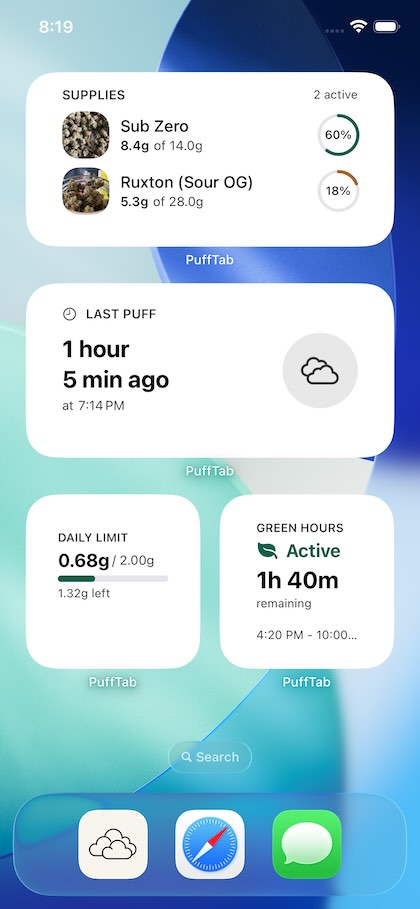
Four widgets keep you current at a glance: the time since your last puff, a supply tracker showing remaining grams for your top jars, "Green Hours" timer, and a daily limit chart that shows you where you're at for the day based on the limit you set.
Keep your data in sync across all your Apple devices. Enable optional iCloud Sync and your puffs, supplies, and settings seamlessly follow you from iPhone to iPad. Your data stays private in your personal iCloud account.
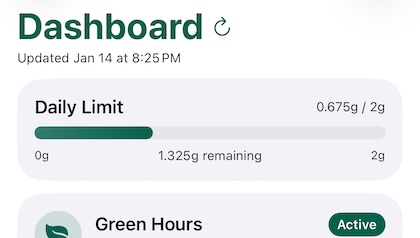
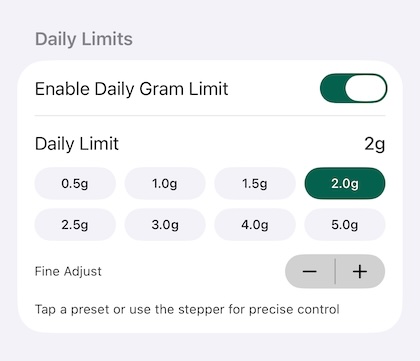
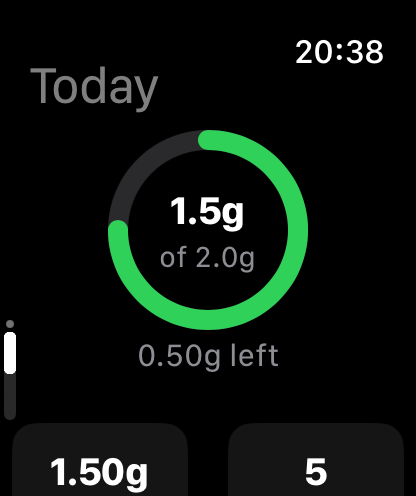
Set a daily target in grams and watch your progress fill as you log puffs, so you always know where you're at.
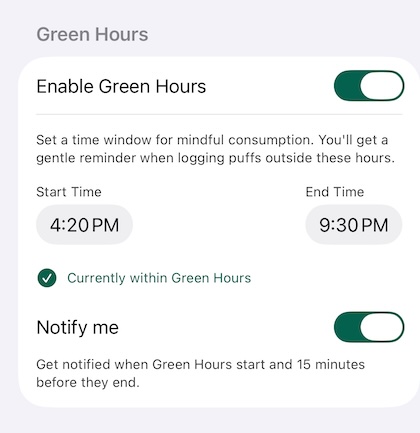
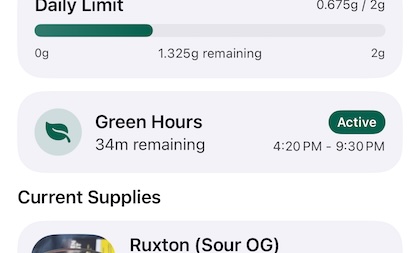
Set a window of time when you allow yourself to consume. Green Hours helps you stay mindful by showing whether you're currently within your designated time window. The dashboard displays your status at a glance, and optional push notifications alert you when your green hours begin and end.
A dedicated home screen widget keeps you informed without opening the app, showing your current status and time remaining until your next window opens or closes.
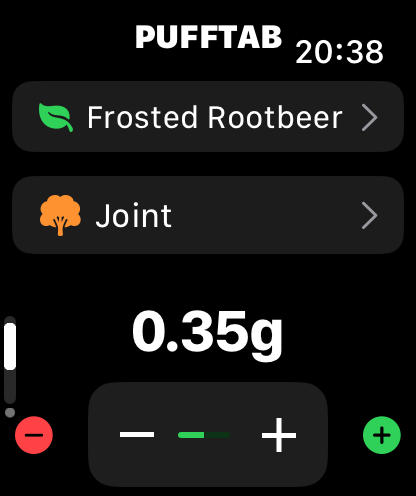
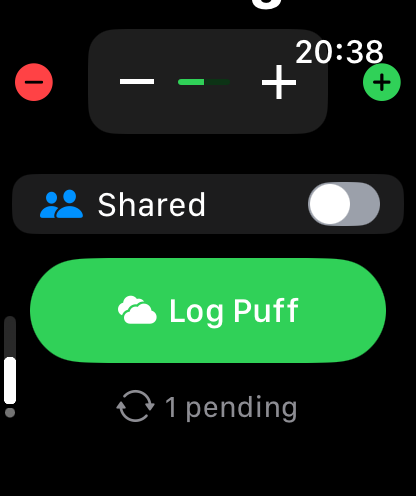
PuffTab comes with a companion app for Apple Watch. Log puffs directly from your wrist, check your daily limit progress, and see your last puff time at a glance. Everything stays in sync with your iPhone.

Including but not limited to: